Complete guide
The Match-Day Streaming Checklist: Watch Live Sport on IPTV Without the Stress
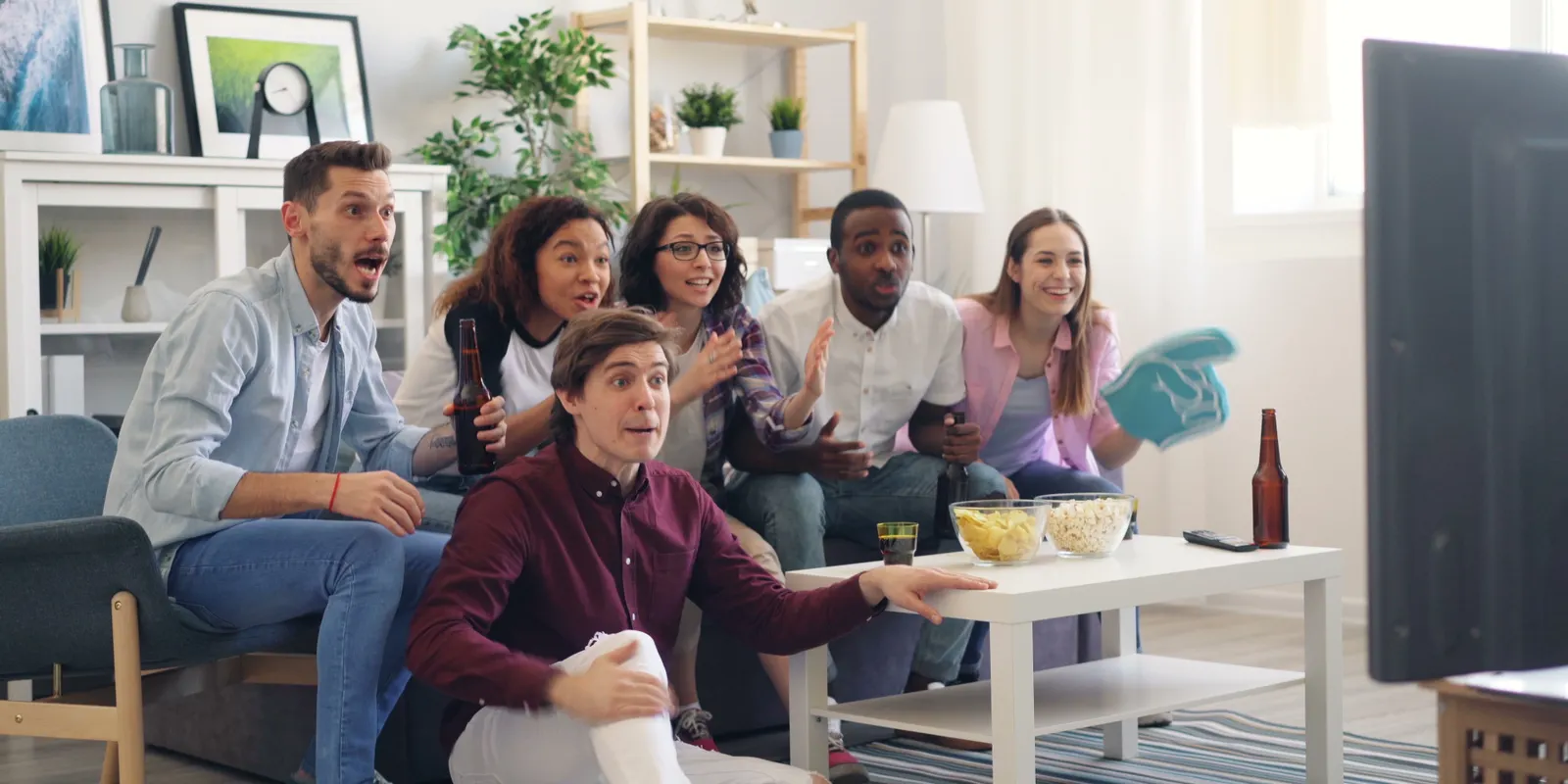
Live sport asks more of your setup than anything else you watch. Everyone tunes in at the same moment, the action is fast, nothing can be loaded far ahead, and a frozen picture at the wrong second cannot be undone. The good news is that almost every match-day problem can be headed off in advance. Here is the countdown we would follow, from a week out to the final whistle.
A week before
- Find the fixture in the programme guide. Good guides list events days ahead; note the channel and kick-off time in your time zone. If the guide is empty or wrong, our programme guide fixes sort it out.
- Check for an events category. Some channel lists add dedicated channels for big fixtures, which usually appear shortly before the start.
- Plan your connections. If two people want different matches at the same time, you need two connections; see how many connections you need.
- Add the channels to favourites, including their Full HD and 4K versions, so you are not searching at kick-off.
The day before
- Test at the same time of day. Open the channel at roughly the hour the match will be on and watch for ten minutes. Note which version plays best on your connection.
- Update the player and device software now, not ten minutes before the start.
- Charge phones and tablets if you plan to follow a second match on a smaller screen.
- Warn the household about big game downloads or cloud backups during the match.
The final countdown
Two hours to go
Restart the router so it is fresh and fully online well before kick-off. Never restart it at the last minute.
One hour to go
- Restart the streaming device.
- Clear the player's cache.
- Set a medium or large buffer in the player to ride out brief dips.
- Plug in the Ethernet cable if you have one, or make sure the TV is on the 5 GHz band.
Fifteen minutes to go
- Open the channel and let it play.
- Pick your quality using the rule below.
- Note the backup: another quality version or an alternative feed in the same category.
- Silence score alerts on your phone to avoid spoilers from the stream delay.
Which quality for live sport?
- Full HD: the default. Sharp on almost any TV and far less likely to stall.
- 4K: only on a large TV, on a cable, with 30 Mbps or more for that screen alone.
- HD: when the connection is modest or several people are streaming.
Our picture quality guide explains why Full HD at 50 or 60 frames per second often looks better for sport than a struggling 4K stream.
If the stream stutters during the match
Work down this list calmly; each step takes seconds:
- Switch to a lower-quality version of the same channel.
- Try the alternative feed if one is listed.
- Ask others at home to pause their streams and downloads.
- Restart the player app, not the whole device.
- If every channel struggles on a good connection, message support on WhatsApp.
After the match, our troubleshooting guide helps you fix the cause for next time.
Quick fixes for match-day oddities
- The event channel is blank: it may only start shortly before kick-off. Check the guide and try again nearer the time.
- Commentary out of sync: use the TV or soundbar's audio-delay setting, or try another version of the channel.
- It stopped at half-time: restart the player and reopen the channel; a short drop can leave the stream hanging.
- Picture frozen, sound carrying on: switch the player's decoder between hardware and software.
Why you are a few seconds behind
Streams typically run a few seconds to around half a minute behind a traditional broadcast, because the video is encoded, sent and buffered. A bigger buffer adds a little more delay in exchange for smoother playback. It is normal; just keep score notifications off while you watch.
Big tournaments and busy weekends
When several matches clash, check the guide a day ahead and decide who watches what. Multi-view in some players shows two or four channels on one screen; each stream uses bandwidth and may count towards your connection limit, so check before relying on it. A tablet or laptop works well as a second screen if your plan has enough connections.
Friends coming over
- Test the TV you will actually use, connected by cable if possible.
- Ask guests to keep large downloads off your Wi-Fi during the match.
- Keep a second screen ready for anyone who wants a different game.
Make it look and sound like the stadium
- Turn off motion smoothing if fast action looks unnatural or laggy.
- Turn on match frame rate on your streaming device so 50 and 60 frames-per-second broadcasts play smoothly.
- Use a sport or standard picture mode rather than cinema mode, which can blur fast movement.
- Add a soundbar for crowd noise and commentary with some presence.
Following a match away from home
On a phone or tablet, choose HD on mobile data, use headphones, and remember the stream uses one of your plan's connections while it plays. Our Apple devices guide covers Picture in Picture for following a match while you use other apps.
Sport-by-sport guides
Each competition has its own rhythm, from midweek European nights to overnight American games for viewers in Europe. Our dedicated guides cover the Champions League, the Premier League and La Liga, the NFL and the NBA, UFC, Formula 1, cricket and the four tennis Grand Slams. For the whole year at a glance, see our 2027 live sports calendar.
BRIX IPTV carries sports channels in HD, Full HD and 4K versions, and our support team is on WhatsApp 24/7 if anything goes wrong on match day. Coverage varies by region, so check the competitions you follow during the 24-hour free trial, ideally while a live event is on, and make sure the sports content you watch is permitted where you live.
Articles in this guide
- Champions League 2026/27: Dates, Format, Kick-Off Times and How to Watch: Every key date of the 2026/27 Champions League, how the 36-club league phase works, kick-off times where you live, who broadcasts it and how to keep European nights smooth.
- Premier League 2026/27: Key Dates, Kick-Off Times and How to Watch Live: The 2026/27 season runs to a final day on 30 May 2027. Here are the kick-off slots, the 3pm rule, who shows what, and how to watch at home, on the go or from another time zone.
- La Liga Explained: How Spanish Football Works and How to Watch It Live: Late kick-offs, a head-to-head tiebreak, one-legged cup ties and some of the fiercest derbies in football: everything that makes Spanish football different, and how to watch it.
- NFL 2026 Season: Key Dates, Game Windows and How to Watch to Super Bowl LXI: From the September opener to Super Bowl LXI at SoFi Stadium: the season's key dates, when games kick off where you live, who shows them, and how to set up for Sundays.
- NBA 2026/27: Key Dates, Tip-Off Times and How to Watch Live from Anywhere: The season runs from October to the Finals in June. Here are the dates that matter, when games tip off where you live, who shows them and a realistic routine for fans in other time zones.
- How to Watch UFC Live: Event Types, Start Times and the New Way to Watch: How a UFC card is built, why the main event never starts when you expect, when fights fall where you live, and how watching changed in the US from 2026.
- How to Watch Formula 1 Live in 2027: Calendar, Sprints and Race-Weekend Setup: Ten sprint weekends, Bahrain opening the season and Portugal and Türkiye back on the calendar: what changes in 2027, how a weekend works and how to stream every lap smoothly.
- How to Watch Cricket Live: Formats, the 2027 Calendar and Streaming Long Days of Play: Three formats, play in almost every time zone and a huge 2027 ahead: the World Test Championship final, the Ashes in England and the World Cup in southern Africa. Here is how to follow it all.
- How to Watch Tennis Grand Slams Live in 2027: From the Australian Open to the US Open: Melbourne in January, Paris from late May, Wimbledon from 28 June and New York to 12 September: when each 2027 major is on, when play starts where you live and how to follow several courts at once.
- The 2027 Live Sports Calendar: Month by Month: Super Bowl LXI, a Champions League final in Madrid, ten F1 sprints, the Ashes, the Women's World Cup in Brazil and two World Cups in the autumn: the 2027 sporting year at a glance.
Frequently asked questions
What speed do I need for live sport?
At least 15 Mbps per screen for HD and Full HD, and 30 Mbps or more for 4K, ideally on a wired connection.
Why does sport buffer more than films?
Everyone watches at the same moment, the action is fast, and a live stream cannot be loaded far ahead like a film.
Should I watch sport in 4K?
Only on a large TV with a fast, wired connection. Full HD is the safer default for live events.
Can I watch two matches at once?
Yes, on two devices if your plan has two connections, or with a multi-view player. Check your connection can carry both streams.