Complete guide
12 Questions to Ask Before You Buy an IPTV Subscription
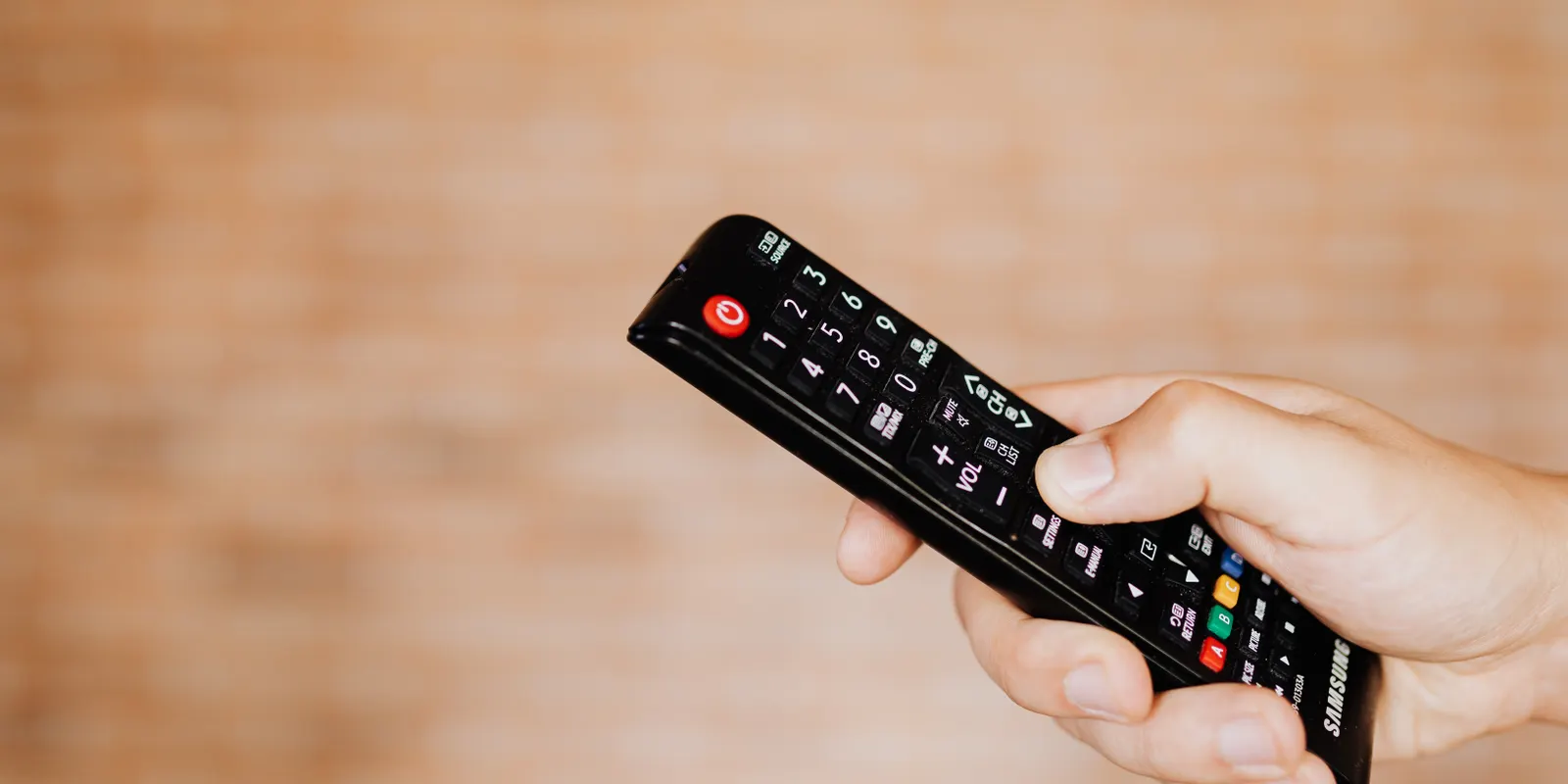
Most people choose an IPTV subscription by comparing prices and skimming a feature list. The problems show up later: a stream that stalls during the second half, a guide with the wrong times, a support message that sits unanswered all weekend. The fix is to ask better questions before you pay. Below are the twelve we would ask in your position, grouped into five themes, with a practical way to answer each one yourself.
We run BRIX IPTV, so we have an interest in the outcome. That is why every question here comes with a test you can run on your own devices rather than a promise you have to take on trust.
Reliability
1. Does it stay smooth on a busy evening?
Anyone can stream smoothly at 11am on a Tuesday. The real test is between roughly 7pm and 11pm, and above all during a big live match, when every viewer logs in at once. Watch one channel for at least half an hour in that window. A brief load when a channel opens is normal; repeated pauses are not.
2. How is the service built behind the scenes?
Ask how the provider handles heavy demand. Services that spread viewers across several servers, in more than one region, and move traffic away from a busy server automatically cope far better than those running everyone through a single machine. At BRIX IPTV we use load-balanced servers in several regions with automatic failover, and our Anti-Freeze setup is designed for exactly those peak moments.
Your setup
3. Will it run on the screens I already own?
List the screens you will actually use, such as the living-room TV, a stick in the bedroom and a phone for travel, and check each one. Fire TV, Android TV and Google TV, Apple TV, Samsung and LG smart TVs, MAG boxes, phones and computers are all common, but app choice differs a lot between them. Our supported devices page shows what to check for each platform, including the newer Fire TV models that only install Appstore apps.
4. Which login methods are offered?
Two standard formats cover most players. An Xtream Codes login (server address, username and password) loads live TV, films, series and the programme guide in one go. An M3U link is a playlist that works almost everywhere, sometimes with a separate guide link. MAG boxes use a portal address linked to the box. A provider that supports all three leaves you free to pick the player you like.
5. Which picture qualities are available, and what speed do they need?
Look for several versions of popular channels, typically HD, Full HD and 4K, so you can step down when your connection dips instead of buffering. As a guide, allow at least 15 Mbps for HD and Full HD and 30 Mbps or more for 4K, per screen, on a wired or strong 5 GHz connection. Our explainer on 4K vs Full HD vs HD covers when each makes sense.
Content
6. Are the channels I watch every week included?
A big catalogue is a genuine advantage: BRIX IPTV carries 26,000+ live channels and 150,000+ movies and episodes. But on day one, what matters to you is that your own channels are in it. Write down the ten channels you watch most, the sports you follow and any channels in your language, then check each by name. Our features and channels page shows the line-up by region and category.
7. Is there a programme guide and catch-up?
An electronic programme guide (EPG) turns a long channel list into something you can actually use, as long as the times match your time zone. Catch-up lets you replay recent programmes on supported channels. Check both during a trial. Our article on IPTV programme guides explains what a good guide looks like and how to fix one that is out of sync.
Cost
8. What does it really cost per month?
IPTV is usually paid upfront for a fixed term, and longer terms cost less per month. Comparing a 3-month price with a 12-month price tells you nothing until you divide by the months. Here are our current single-connection prices:
- 3 months: $35, about $11.67 a month.
- 6 months: $49, about $8.17 a month.
- 12 months: $69, about $5.75 a month, roughly half the monthly cost of the 3-month plan.
Plans for two and three screens are on our pricing page.
9. How many screens need to play at the same time?
Plans are priced by connections: the number of streams that can play at once, not the number of devices you install it on. Count the screens that are genuinely on at the same time on your busiest evening. Our guide to how many IPTV connections you need shows a quick way to work it out.
10. What happens when the term ends?
Ask whether the plan renews automatically and how renewal works. You should be able to renew without re-entering your details in every player, and nobody should charge you again without telling you. If you are comparing IPTV with what you pay today, our honest comparison with cable and satellite includes a simple cost worksheet.
Service
11. How quickly does a real person reply?
Send support a genuine question before you buy, for example how to set up the guide on your TV, and time the answer. Messaging support such as WhatsApp is usually quickest. You will need help at some point, after a TV update or a new device, so this test counts as much as picture quality. BRIX IPTV support is on WhatsApp 24/7.
12. Can I try it before I pay?
A free trial is the only way to answer questions 1, 3, 5, 6 and 7 with certainty. Plan it so it covers an evening. Our 24-hour trial test plan turns it into a step-by-step checklist, and you can request a BRIX IPTV trial on WhatsApp with no payment details.
Warning signs
- "Lifetime" access for a single payment. Servers cost money every month; offers like this rarely last.
- No trial, and pressure to buy the longest plan straight away.
- No way to reach a person, or replies that take days.
- A price far below everyone else's, which usually means overloaded servers.
- No published terms or privacy policy.
One more point: rules on streaming content differ between countries, and you are responsible for using any service within the law where you live. A reputable provider says so in its terms.
Your scorecard
Use this during a trial and tick each one off:
- Thirty minutes of smooth playback between 7pm and 11pm.
- Works on every screen you plan to use.
- A login method your preferred player supports.
- A stable picture at the quality your connection can carry.
- Your ten most-watched channels present and playing.
- A guide with correct local times, and catch-up where offered.
- A monthly cost you are comfortable with, for the right number of connections.
- A clear, quick reply from support.
The short version
Choose on evidence, not on headlines. Stability on a busy evening, the right devices, a picture your connection can carry, your own channels, an honest monthly price and support that answers: those decide whether you will be happy in six months' time. Test them during a free trial and the decision usually makes itself.
Articles in this guide
- The 24-Hour IPTV Trial Test Plan: What to Check, Hour by Hour: Twenty-four hours goes quickly. This timed plan tells you what to test and when, so you finish your free trial knowing whether the service suits your home.
- How Many IPTV Connections Do I Need? A Simple Way to Work It Out: A connection is one stream playing at a time, not one device. Here is a two-minute way to count what your household needs, what it costs and how to avoid connection errors.
- IPTV vs Cable vs Satellite: An Honest Side-by-Side Comparison: Where IPTV beats cable and satellite, where it does not, and a simple worksheet to compare the real cost for your own home.
- What Is IPTV? A Plain-English Guide to Internet TV: IPTV is television delivered over your internet connection. Here is how it works, what it gives you, what you need, and the jargon decoded.
Frequently asked questions
What matters most when choosing an IPTV subscription?
Stability during busy evenings and live events. A service that plays smoothly when everyone is watching is worth more than any feature list.
Is a 12-month plan better value?
Per month, yes. At BRIX IPTV the 12-month single-connection plan costs $69, about $5.75 a month, compared with about $11.67 a month on the 3-month plan. Test with a free trial first.
How many connections should I buy?
One for each screen that plays at the same time on your busiest evening. You can install the service on more devices than that.
What internet speed do I need?
Allow at least 15 Mbps for HD and Full HD and 30 Mbps or more for 4K, per screen, ideally on a wired or strong 5 GHz connection.